
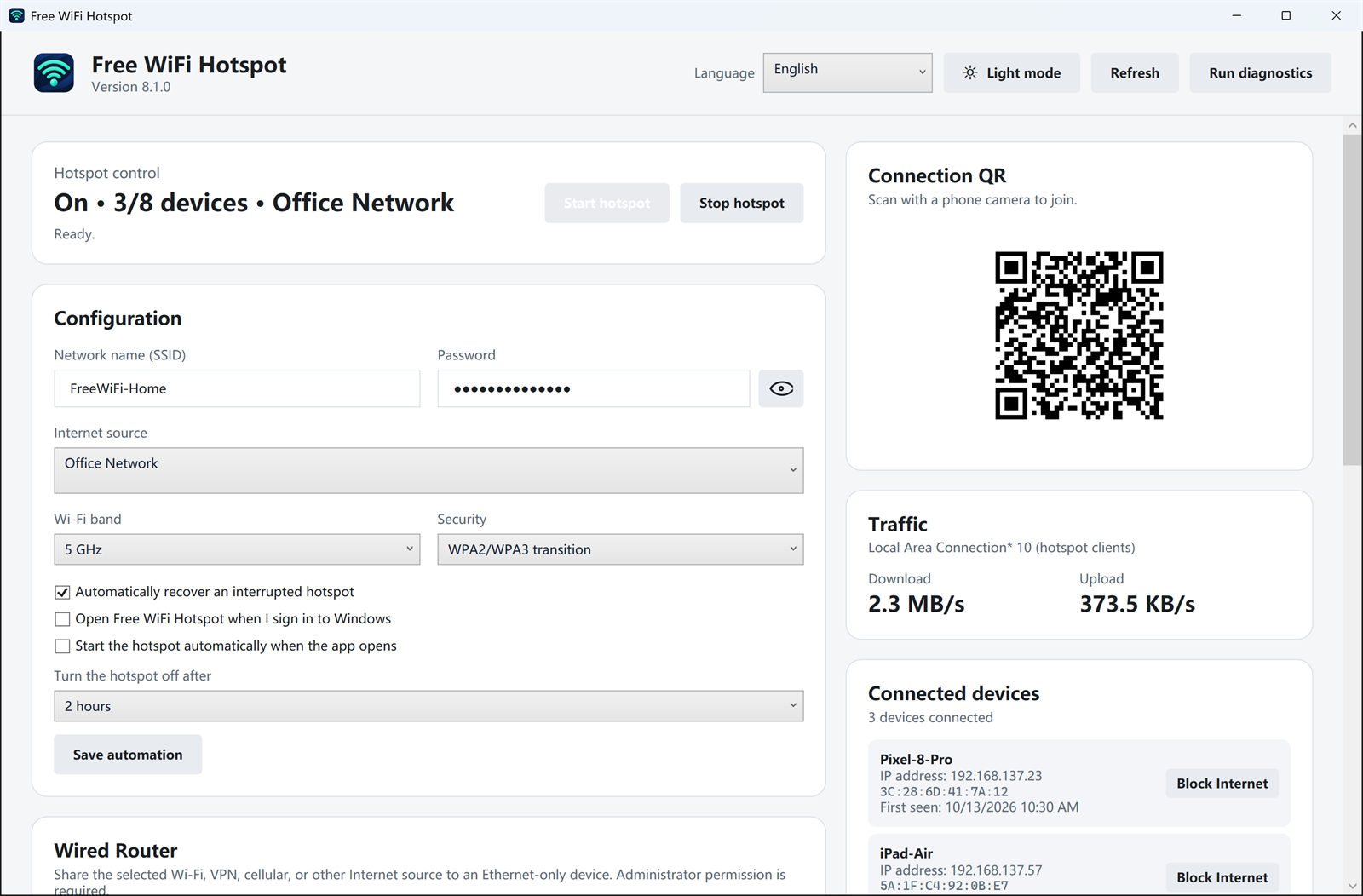
After the hotspot is running, the dashboard shows whether anyone is actually moving data. The traffic card lists download and upload speed for the hotspot clients, and the device list shows each phone or tablet with its IP address.
What you can see
- How many devices are connected, out of the maximum the adapter allows.
- Live download and upload speed, so a stalled phone is obvious.
- The name, IP address, and last-seen time for each client.
- A block control if one device should stay on the Wi-Fi but not use the internet.
Use this when a phone says it is connected but pages do not load, or when you want to confirm a TV or laptop is the device using most of the connection. The numbers describe the hotspot clients, not a lab speed test of the upstream line.
Download Free WiFi Hotspot 8.1.0
Related: hotspot health check · join with a QR code