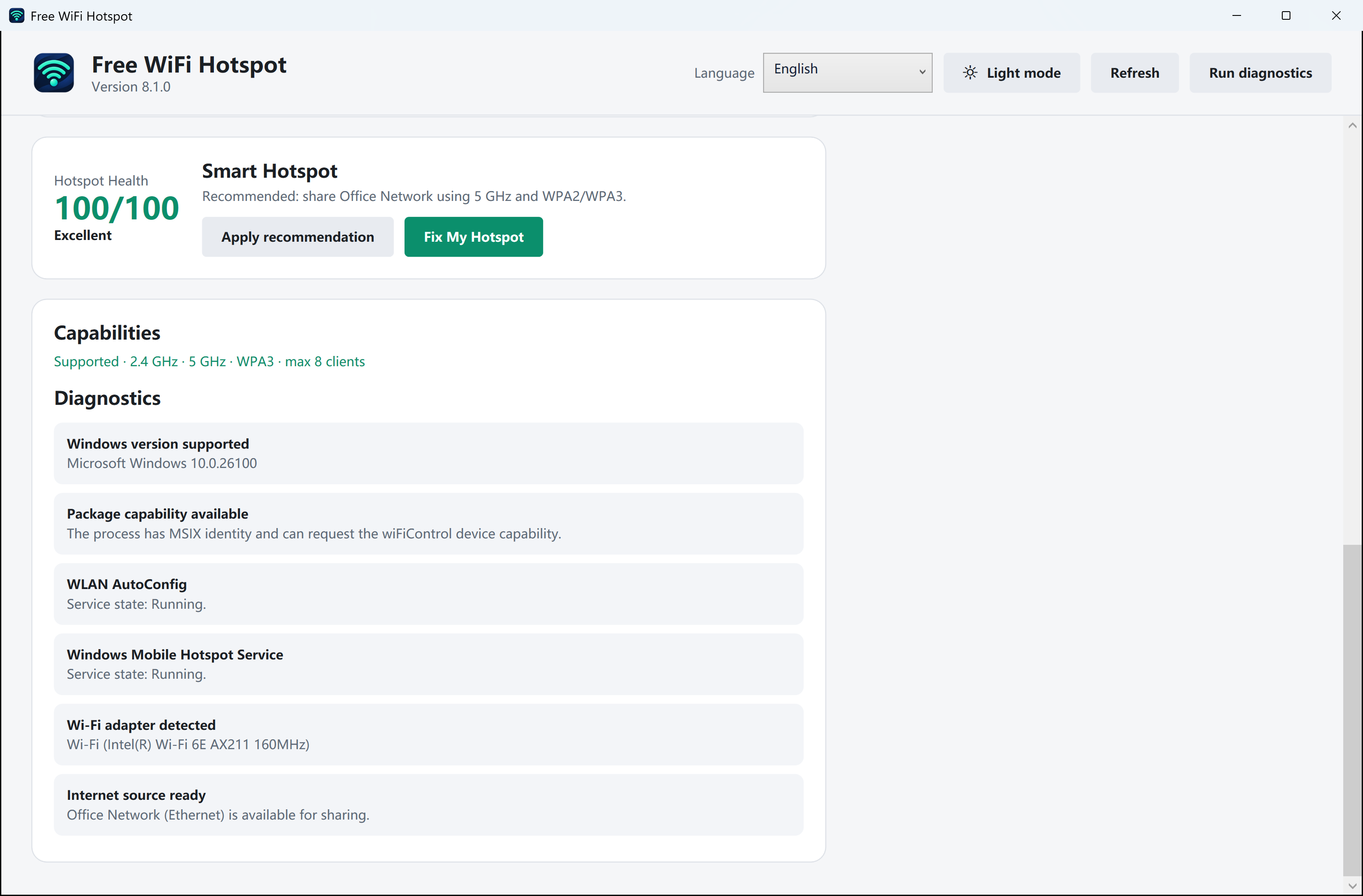
Prove that the cable is online
Connect Ethernet and check that Windows lists it as connected. If you can briefly stop sharing, disconnect from the old upstream Wi-Fi network and open a new web page on the PC. Leave the wireless adapter enabled so it can broadcast again.
Keep a record of the hotspot name
Note your existing hotspot name and how your test phone connects. In Windows Mobile hotspot, select Ethernet under Share my internet connection from and Wi-Fi under Share over, where available. Keep the existing network name and password. If Windows requires it, stop sharing, change the source, then start it again.
Check on the phone, not just the PC
Temporarily turn mobile data off on the test phone. Rejoin the existing hotspot name and load a page you have not recently opened. Restore the phone’s mobile data setting when finished.