
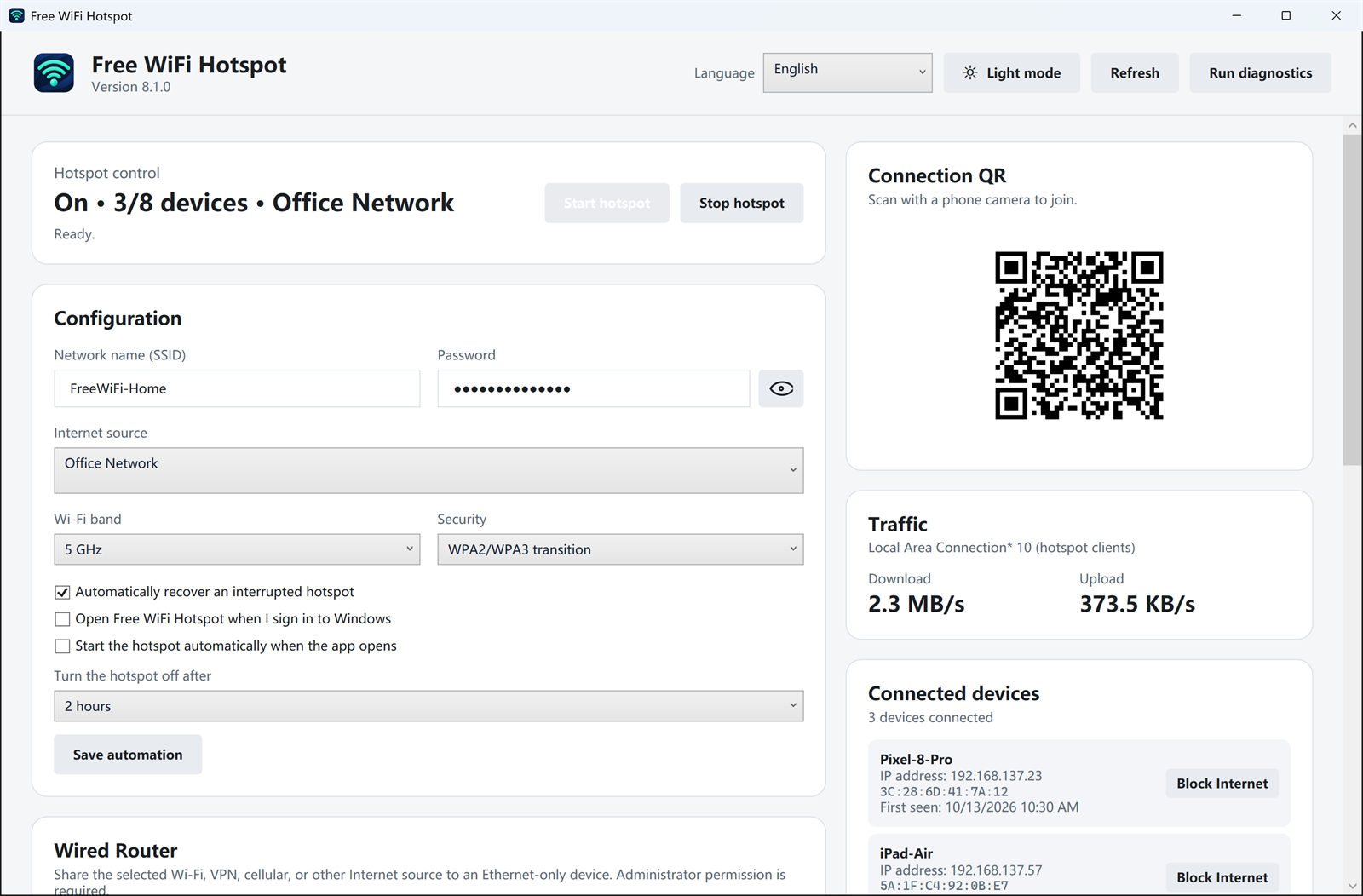
Reading a long password aloud is how most hotspot setups go wrong. Version 8.1.0 keeps a QR code on the dashboard next to the network name and password. The phone camera reads the code and joins the Wi-Fi network the PC is already sharing.
What to check first
- The hotspot status says it is on.
- The phone is close enough to the PC to see the Wi-Fi name in its network list if the scan fails.
- The password is the one shown in the app, not the password of the upstream router.
The QR code only joins this hotspot. It does not share the password of a cafe, hotel, or neighbor network, and it does not skip a sign-in page on that upstream connection.
Download Free WiFi Hotspot 8.1.0
Related: see who connected · share Ethernet over Wi-Fi