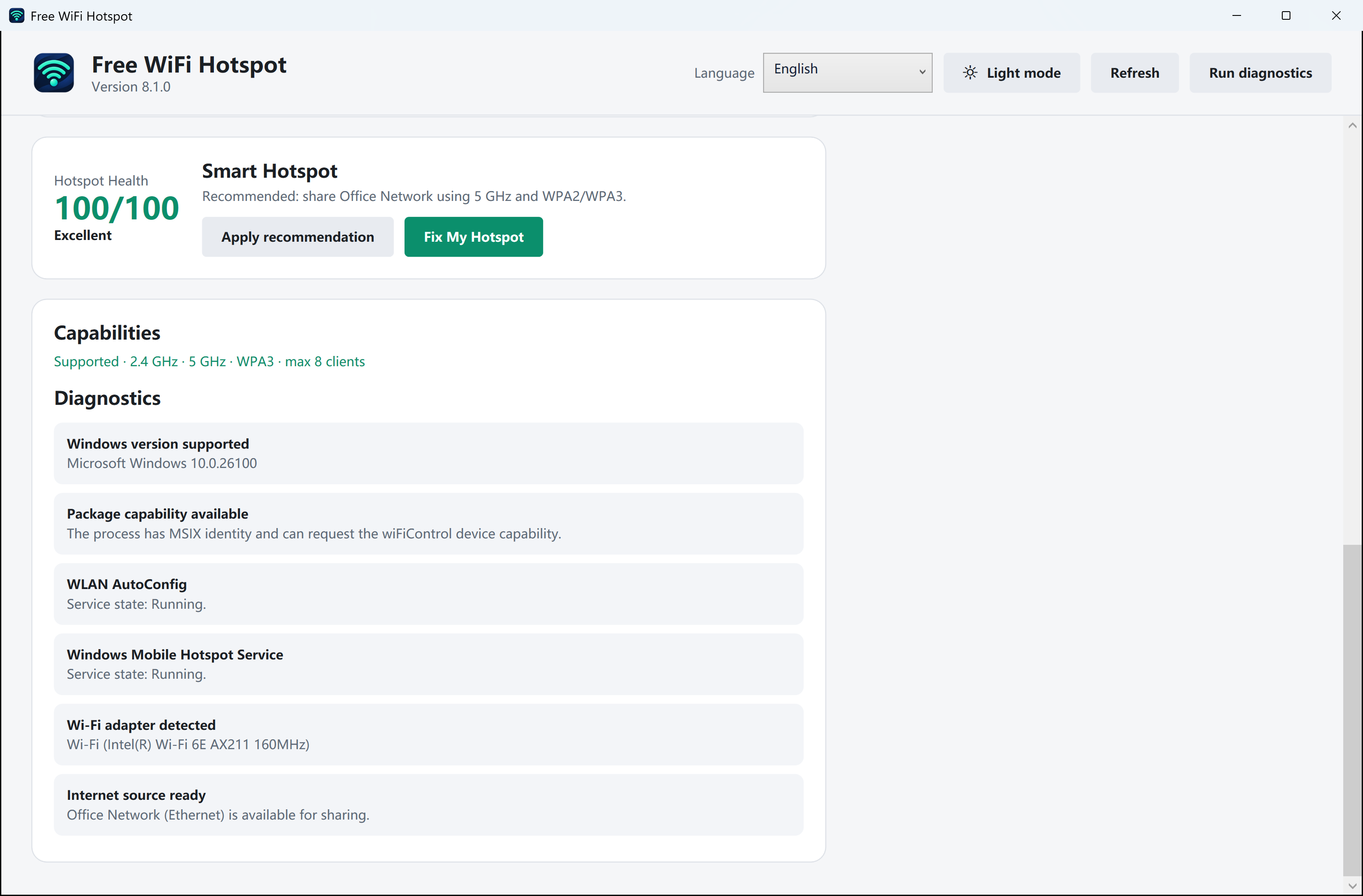
Keep one working device nearby
Turn on the PC hotspot. Open the Wi-Fi list on a phone and note the exact network name. If that phone cannot see it either, start with the Windows hotspot switch and adapter. A band comparison needs one device that can already see the network.
Try one band the older device supports
Open Settings → Network & internet → Mobile hotspot on the PC. Under network properties, use Edit and choose 2.4 GHz if Windows offers it. Save, restart sharing if requested, then refresh the older device’s network list. This briefly interrupts anyone already connected.
Separate discovery from sign-in
If the name appears now, enter the hotspot password on the older device. If it already saw the name before the change and rejected the password, radio discovery was working. Return to the saved credentials instead.