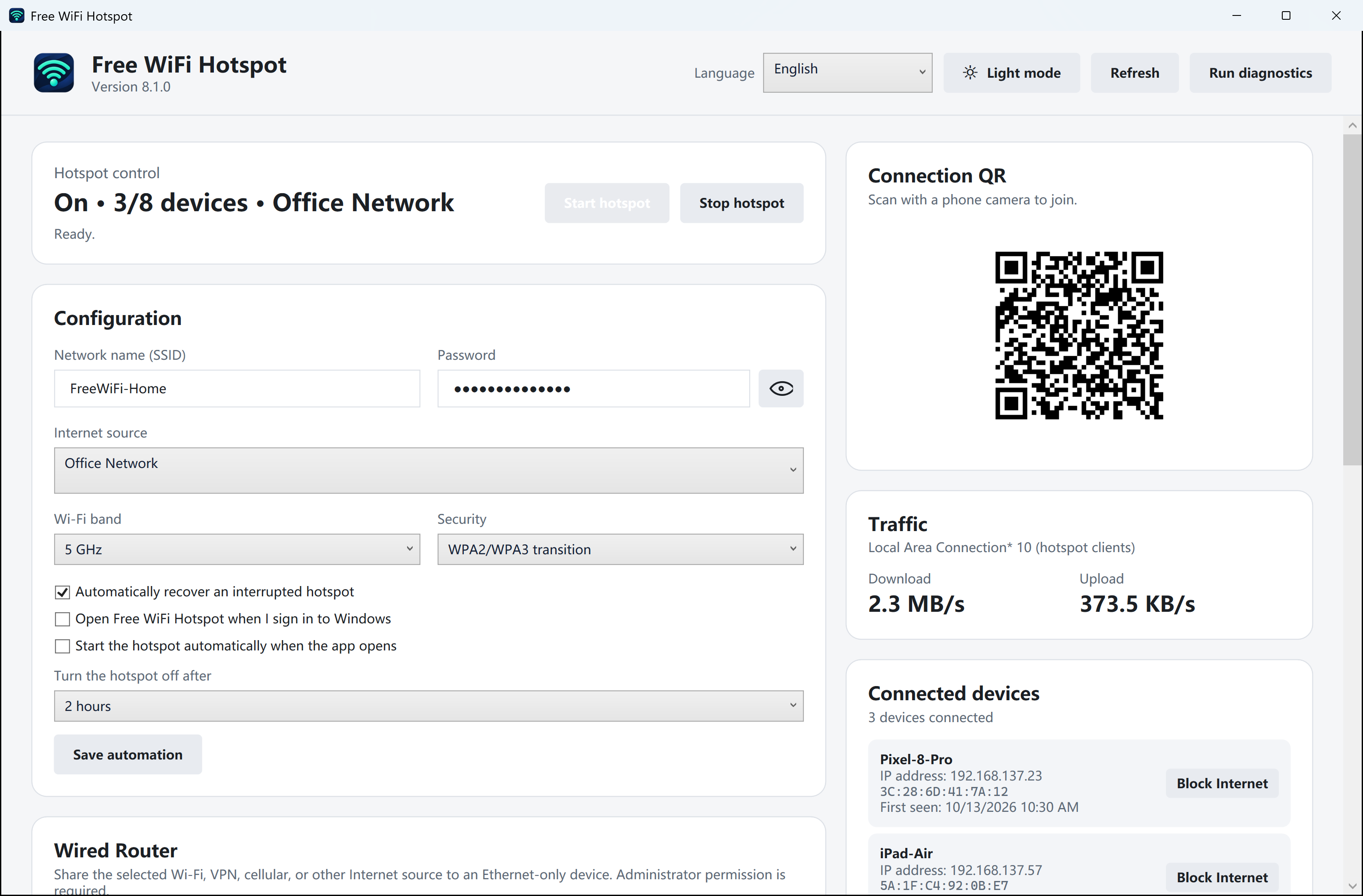
Match the name on both screens
Open your hotspot dashboard and read the network name. Compare it character by character with the network selected on the phone. Two Windows laptops can advertise similar names in the same room.
Forget just this hotspot
On iPhone, open Settings → Wi-Fi and use the information button beside the saved network. On Android, open the network details or saved networks. Choose Forget, then return to the list of nearby networks. Other Wi-Fi networks can stay saved.
Join with the new credentials
Select the matching name and enter the current password, or scan the fresh QR code shown by the PC. A printed code made before the password change still contains the old details. Keep the password and QR code out of support screenshots.