Jump to a section
Confirm Ethernet works on the PC
- On the PC, open Settings → Network & internet. Check that Ethernet shows as connected. On your own equipment, reseat the cable or try another known-good cable if Ethernet is disconnected.
- Open a website on the PC. If the PC is also on Wi-Fi and you can safely disconnect it, switch off its upstream Wi-Fi connection temporarily to verify that the page opens over Ethernet. Leave the Wi-Fi adapter enabled so it can broadcast the hotspot.
- If the page fails over Ethernet, restore the original PC connection and fix the Ethernet connection first. Verify that sharing is allowed on the network.
Select Ethernet and join again
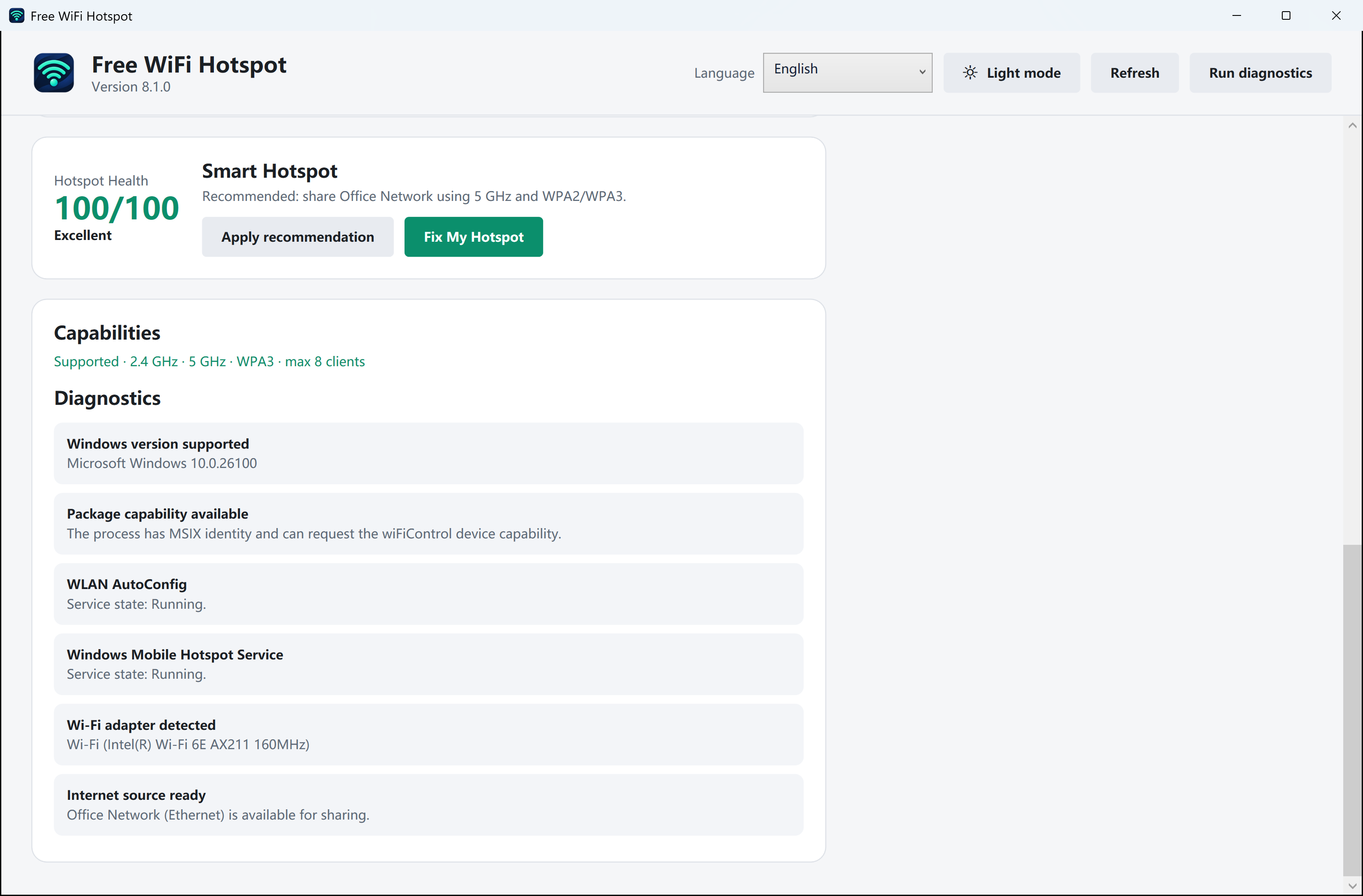
- Open Settings → Network & internet → Mobile hotspot. Under Share my internet connection from, choose Ethernet. If Windows offers a Share over list, choose Wi-Fi.
- Switch Mobile hotspot off and back on. On the phone, reconnect to the hotspot and temporarily disable cellular data so it cannot hide a failed Wi-Fi test.
- Open two sites on the phone. If they load, restore cellular data. If they fail, compare results on a second device you own.
Use the second device to narrow it down
- Only one device fails. Forget the hotspot on that device and rejoin with the current password. Check whether the phone shows an IP address for the network.
- Both devices fail while the PC browses over Ethernet. Recheck the selected source. On a managed PC, ask the administrator if internet sharing is permitted. If you see an adapter warning, follow the Windows adapter checks below.
Turn sharing off when you finish
Turn off Mobile hotspot from Windows Settings, or stop sharing in Free WiFi Hotspot if you started it there. Restore any network settings you changed for the test and check that your phone has its usual connection again.